Customization
Drag Drive Simulator customization guide: change exhaust pipes, tune DRL color and indicator flash rate, lower suspension and build a motorshow-ready ride.
Introduction
Customization is where Drag Drive Simulator really shines. Beyond buying a vehicle, you can build a one-of-a-kind ride: change the exhaust pipe to alter the look and sound, tune the DRL (daytime running light) type and color, adjust the indicator flash rate, lower the suspension, and use the improved kickstand system that follows it. Finish everything with paint, wraps, decals, rims and underglow for a motorshow-ready presentation. This page covers the confirmed customization systems from community sources, the order in which you should mod your ride, which parts matter for performance versus looks, and how to plan a build that stands out at the motorshow. Whether you are going for a subtle street look or a wild show build, the customization guide helps you spend your RP on parts that match your vision.
Customization Parts Reference
| Part | What It Does | Cost Type | Best For |
|---|---|---|---|
| Exhaust Pipe | Changes look and sound | RP | Style & audio preference |
| DRL Type & Color | Tunes daytime running lights | RP | Night-time visibility & look |
| Indicator Flash Rate | Adjusts blinker speed | RP | Unique turn signals |
| Suspension | Lowers or raises ride height | RP | Stance & motorshow looks |
| Kickstand | Follows suspension height | RP | Parking realism |
| Paint / Wraps / Decals | Changes body color and graphics | RP | Full visual overhaul |
| Rims & Underglow | Wheel style and glow effects | RP | Final motorshow touches |
Mod Breakdown
Exhaust Pipe
The classic first mod that changes look and sound
DRL Type & Color
Daytime running light tuning for night-time style
Suspension + Kickstand
Ride height tuning with a kickstand that follows the stance
Paint / Wraps / Underglow
The finishing touches that complete a motorshow build
Indicator Flash Rate
Turn-signal speed tuning for a unique blinker rhythm
Kickstand
The stand that follows your suspension height for realistic parking
Rims & Underglow
Wheel styling and glow effects for the final presentation
Core Mechanics
Customization in Drag Drive Simulator is a layered system. You start with the exhaust pipe, which changes both the look and the sound of your vehicle — a favorite first mod in community videos. The DRL system lets you choose the type and color of the daytime running lights, which changes how your ride looks at night and in photos. The indicator flash rate is a unique touch that lets you speed up or slow down your blinkers for a distinctive signal. Suspension lowers or raises the ride height, and the kickstand system follows the suspension so your parked bike looks realistic at any height. Paint, wraps, decals, rims and underglow finish the build. Because each part costs RP, planning your mod order matters: performance-focused players may skip visual parts early, while motorshow builders budget for the full package.
Advantages
Deep customization makes your ride feel personal and gives you a long-term RP goal beyond just buying vehicles. Changing exhaust pipes, DRL colors and indicator flash rates are quick wins that immediately set your bike apart from stock. The suspension and kickstand interaction adds realism that roleplay and motorshow players love. Because customization is visual-first, it is also a great way to enjoy the game while your RP grows — every mod session is progress even when you are not grinding. For the motorshow crowd, a fully built ride is a badge of dedication that other players can see, and community showcase videos prove that a well-planned build stands out.
Challenges
Customization parts are mostly visual, so they do not directly improve your drag race times or job pay. Spending too much RP on mods early can delay your vehicle upgrades and slow your progression. Some parts, like underglow and wraps, may have limited visibility on smaller screens or in bright light. Exact part prices and available colors are community-reported rather than officially documented, so costs can change between updates. New players should treat customization as a reward for solid progression instead of a first priority, and motorshow builders should budget carefully to avoid stalling their income. If you enjoy racing competitively, plan your mod purchases around your vehicle budget so cosmetic spending never delays your next performance upgrade.
Frequently Asked Questions
What should I customize first?+
Does customization improve performance?+
How does the kickstand follow suspension?+
Quick Tips
Test your DRL colors at night before committing — the same color looks different in daylight and under streetlights, and night photos show off the glow best. Community showcase videos are a great reference for which colors pop on which vehicles. Take a quick photo or note the color at night before you buy, because returning to swap colors later costs extra RP and slows down your build progress.
Budget mods around a theme instead of buying random parts — a cohesive look (matching DRL, exhaust and underglow) always reads better at the motorshow than a pile of mismatched upgrades. Plan the build before you spend so your RP goes further. Keeping a clear vision also makes future updates easier — when the catalog expands, you know exactly which new part completes your existing theme instead of starting over.
Do the cheap visual mods early for motivation, but keep a reserve for performance. An exhaust pipe change and a DRL recolor are affordable dopamine hits, while your RP bank stays healthy for the next vehicle purchase or drag upgrade. A good rule is to finish one full visual pass before starting another, and to track your RP so every mod session still leaves enough balance for the next vehicle upgrade.
Featured
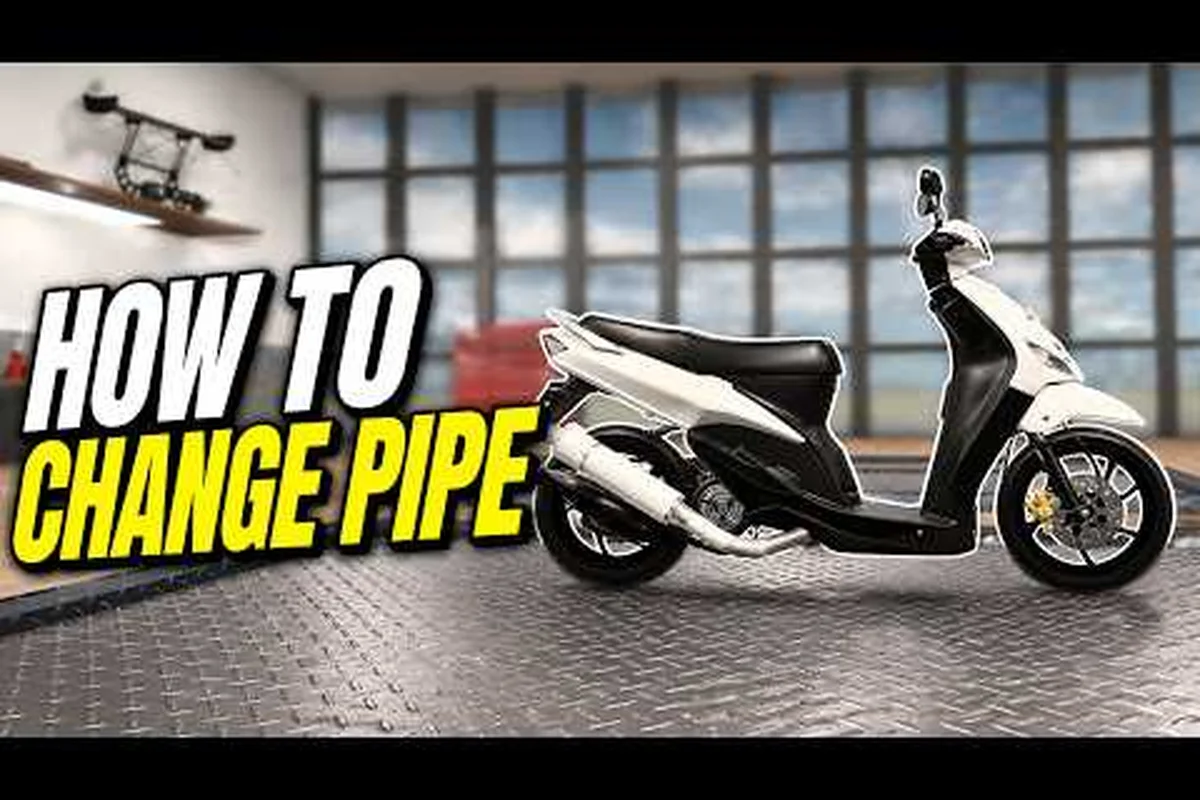
Drag Drive Simulator Headlights: Underglow, Paint & Spoiler Sets
Customize Drag Drive Simulator headlights with matching underglow, paint, wraps, and spoiler picks that complete the cleanest car or bike look.
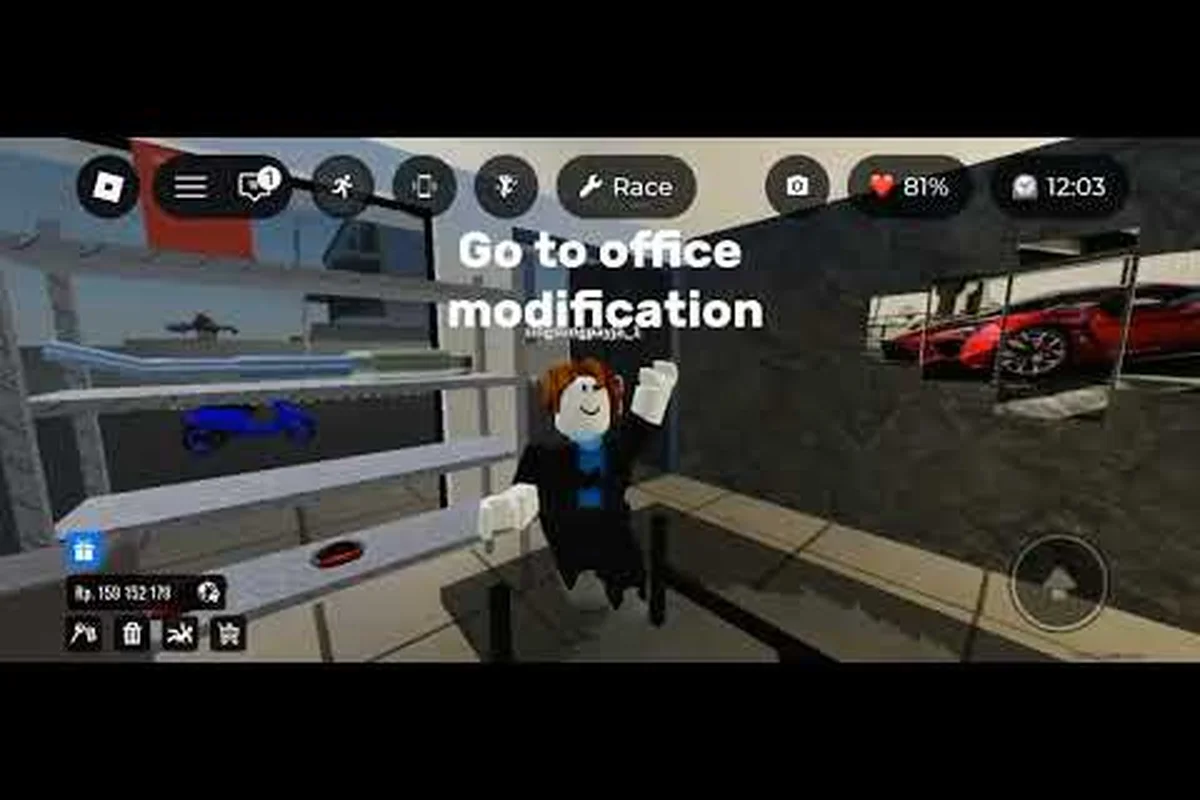
Drag Drive Simulator Kickstand System & Best Performance Upgrades
Explore the Drag Drive Simulator kickstand system alongside the smartest engine upgrades, tuning parts, and cost breakdowns to maximize every performance boost.
Drag Drive Simulator Pipe Upgrade: DRL Colors & Indicator Modes
Customize the Drag Drive Simulator pipe upgrade with the best DRL colors, indicator flash rates, and signal combos for your exhaust.
All Articles
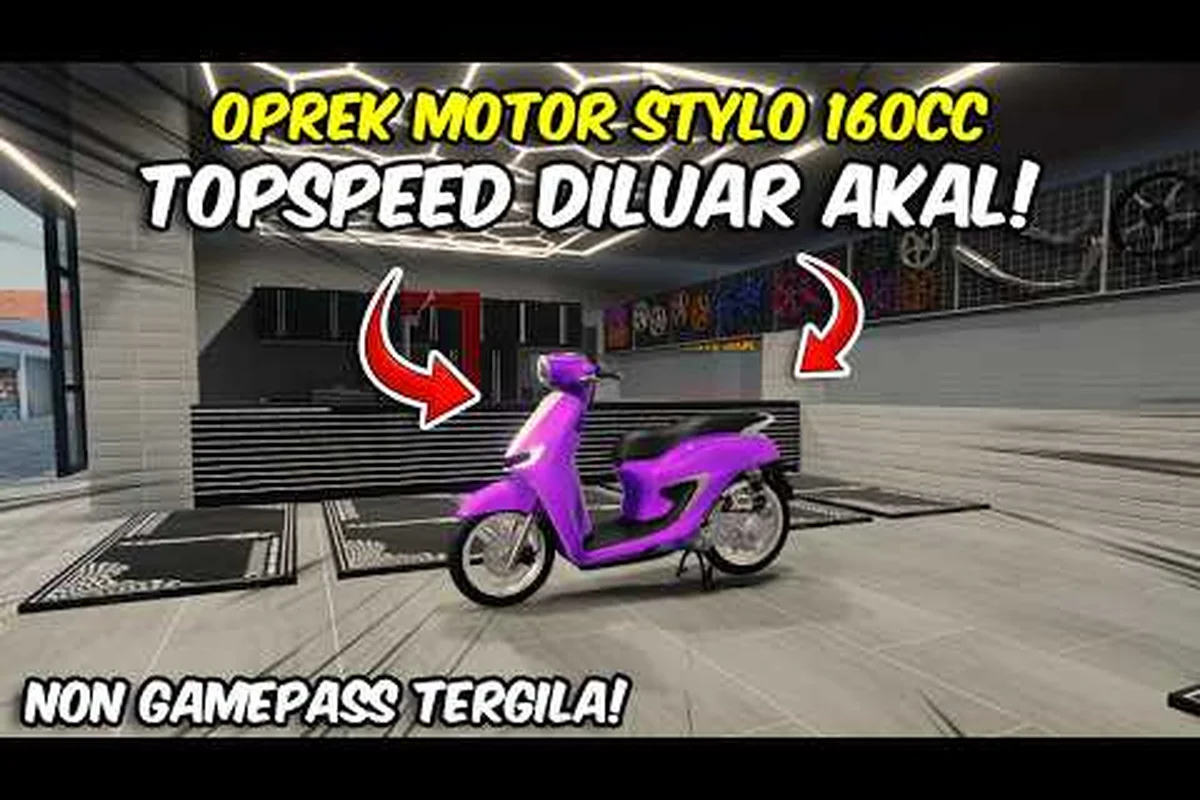
Drag Drive Simulator Rims, Wheels, Suspension & Tuning Builds
Browse every Drag Drive Simulator rims and wheels option, then pair them with suspension, kickstand, and tuning swaps that dominate the motorshow.
Drag Drive Simulator Vehicle Customization: Exhaust & Mod Builds
Transform your ride in Drag Drive Simulator vehicle customization with the best exhaust swaps, pipe swaps, and tuning picks that boost sound and speed.
Drag Drive Simulator Free Upgrades: Show Mods & Zero-Cost Builds
Score the best Drag Drive Simulator free upgrades at the vehicle show, including exhaust swaps, DRL mods, and zero-cost customization tricks that still look premium.
Drag Drive Simulator Turn Signal Customization Guide
Style your ride with Drag Drive Simulator turn signal customization, from indicator flash rates and DRL colors to wraps and underglow combos.